

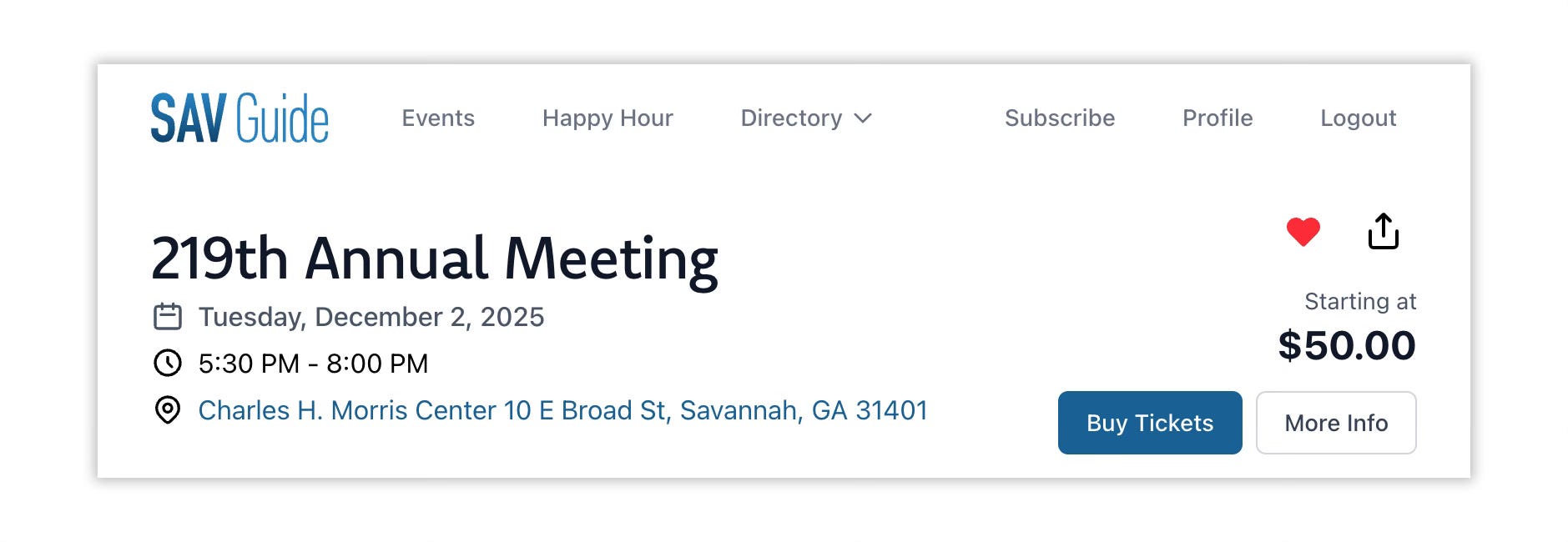
I’ve spent a good portion of the last few weeks, thinking how someone would use the events page. While certain websites want you to stay on their site, I ultimately want you to go somewhere. That’s the ultimately goal for that page. But as the pages grows, how will you easily find events you “liked”? Introducing the favorites heart.
If there’s an event that you want to remember or easily find, give it a heart. All events have the icon on that page. When you do click on the heart, that event is stored in your profile, making it that much easier to find and recall.
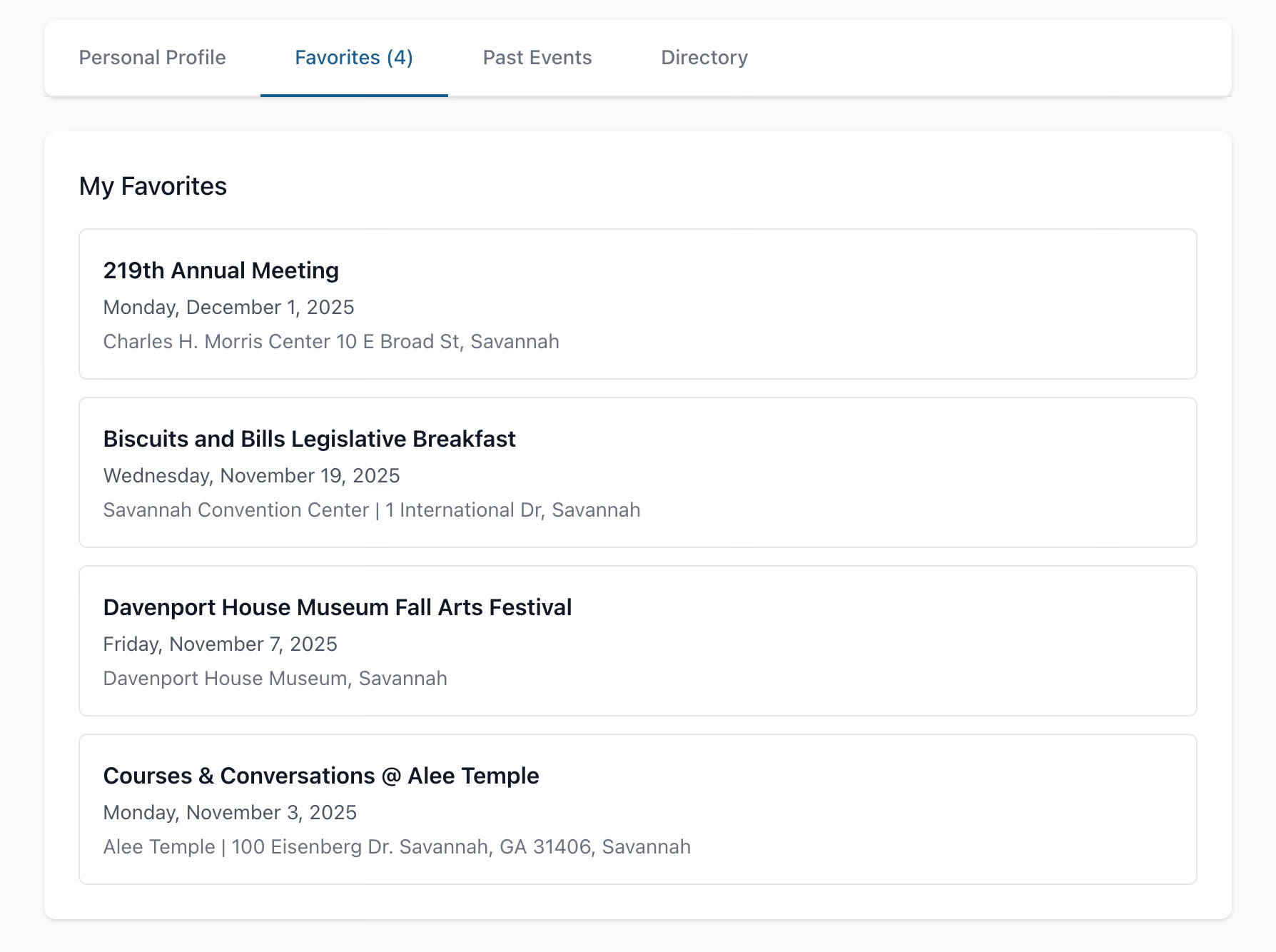
After an event ends, you’ll be able to find it in the past events section, if you want to grab any details about it (also professional accounts have the directory; personal account, don’t worry about that tab).
But I wanted to make it even more personal
The profile tab is fantastic. But what if I could figure out a way to bring the events to the forefront. There’s only one page more prominent and that’s the home page.
Starting today, when you are logged into SAV Guide and have a few favorite events, they will now appear on the home page of the guide. As the events end, the list will shift, showing you the most upcoming event, first.
On the desktop & tablet, there are helpful scroll buttons and on the mobile framework, you can easily swipe through.
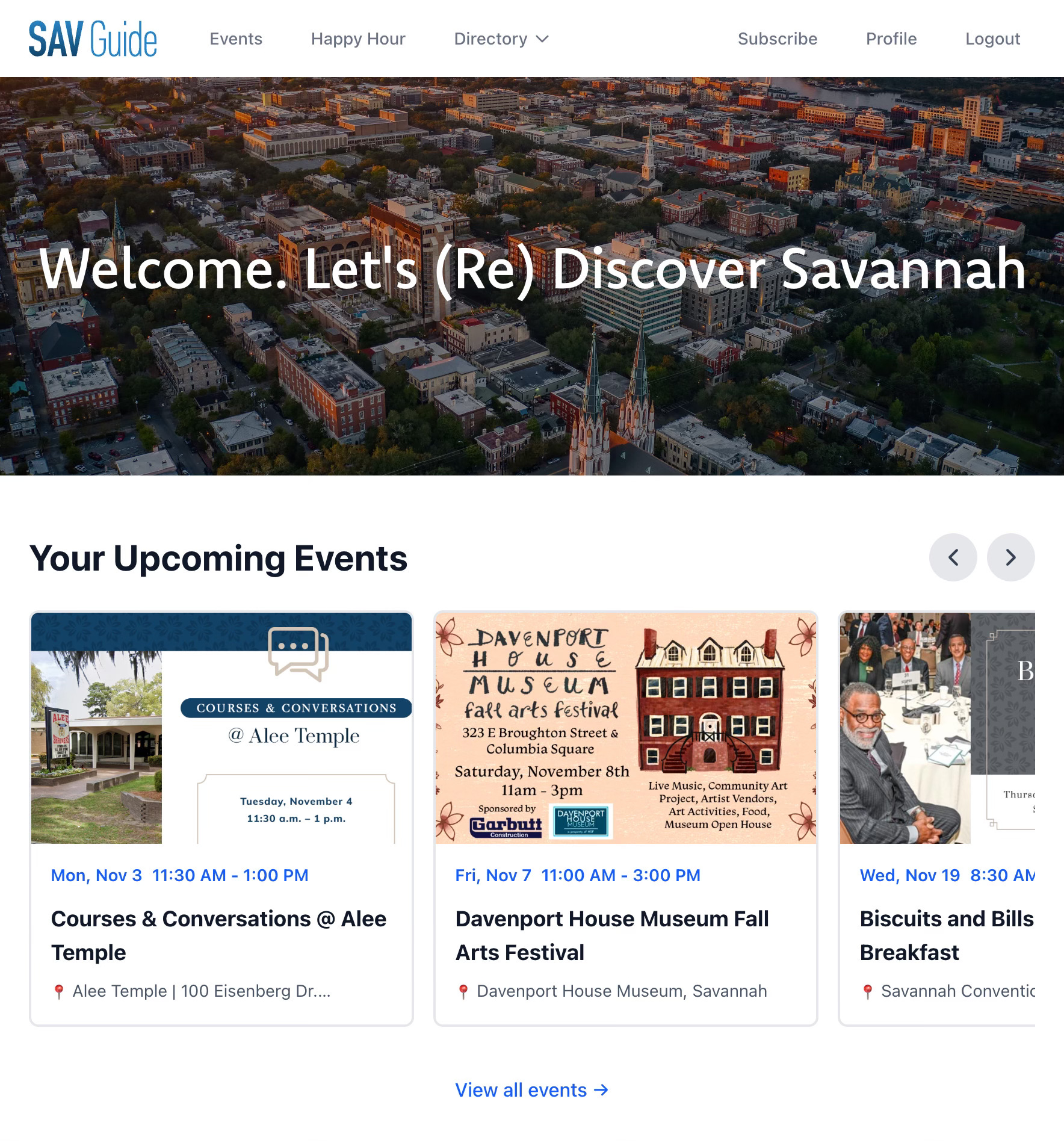
All the events are clickable, taking you back to the specific event page to read more about it, buy a ticket, or get directions (if you’re like me, you’re constantly looking for directions).
Registration & Favorites are Open
If you already have an account on SAV Guide, the favorites heart is all setup to go. If you’re new, simply register and start favoriting (I gotta think of a better word, but alas) events you’d like saved to your profile.